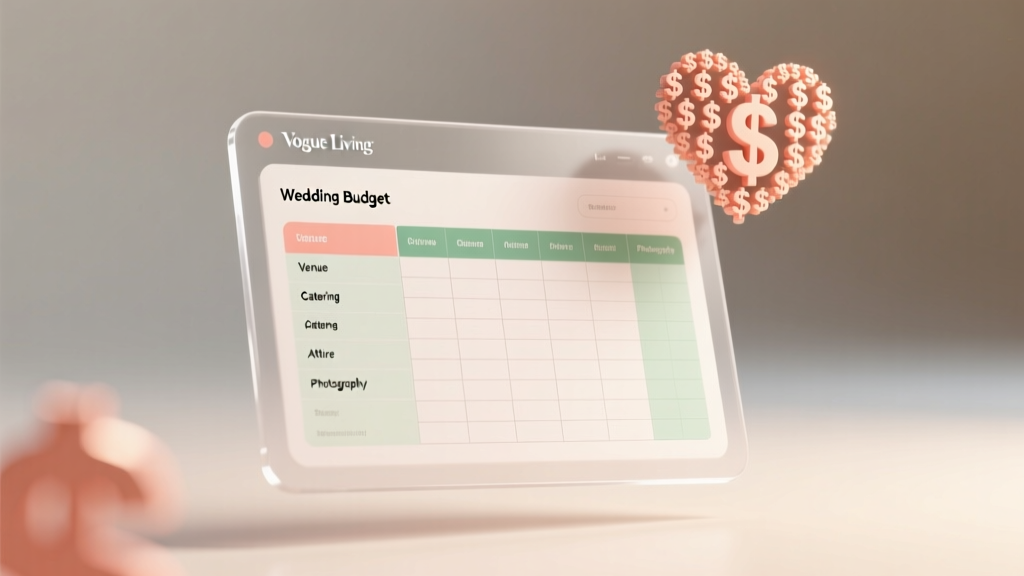
Free Wedding Budget Template Spreadsheet
Why a Wedding Budget Spreadsheet Is Non-Negotiable
73% of couples who go over budget say they lost track of small expenses — the $40 sample plate tasting, the $85 rush fee for invitations, the "oh we also need a sweetheart table" surprise. A spreadsheet catches every one of these before they compound.
Whether you have $5,000 or $50,000, the principle is the same: track budgeted, actual, and remaining for every line item.
What Your Wedding Budget Spreadsheet Should Include
Set up these columns for each vendor category:
| Column | Purpose | Example |
|---|---|---|
| Category | Budget line item | Photography |
| Budgeted | Planned spend | $2,500 |
| Actual | What you paid | $2,800 |
| Remaining | Budgeted minus Actual | -$300 |
| Deposit Paid | Upfront amount | $500 |
| Due Date | Final payment deadline | 2026-08-15 |
| Status | Paid / Partially Paid / Unpaid | Partially Paid |
Line Items You'll Probably Forget
These are the expenses most couples miss on their first budget draft:
- Marriage license: $30-$100 depending on your state
- Vendor meals: $25-$50 per vendor at your reception caterer's rate
- Postage for save-the-dates AND invitations: Two rounds of mailings
- Dress alterations: $200-$800, often paid separately from the dress
- Day-of coordinator tip: $50-$200 if they go beyond the contract
- Guest book + pen: $30-$80
- Wedding insurance: $100-$400 — yes, this is a real thing
How to Set Up Your Spreadsheet (Free Options)
Google Sheets (free): Search "wedding budget template" in Google Sheets Template Gallery. The built-in templates cover most categories and auto-calculate totals.
Excel (free online): Microsoft's online Excel has wedding budget templates too. Advantage: offline access if you download the desktop version.
Custom build: Create your own with the columns above. The advantage of a custom sheet is you can add categories specific to your wedding — like a "cultural ceremony items" row that pre-made templates don't include.
The Review Cadence That Keeps You on Track
Update your spreadsheet within 24 hours of every payment. Set a recurring calendar reminder every Sunday to review the "Remaining" column and flag anything in the red. Couples who update weekly are 3x less likely to overshoot their total budget than those who update monthly.
More Articles
 Small Wedding Budget
 Palettes vs. Checklists: A Budget Expert’s Practical Comparison for Financial Control
 Wedding Cupcake Pricing Guide for Bakers (2026)
 Cut Wedding Costs Without Losing Quality
 Engagement Tools Checklist: A Practical, Data-Driven Framework for Modern Teams
 Average Wedding Cost by State: 2026 Comparison Guide
 Wedding Officiant Cost in 2026: What to Pay & Tip
 Lisa Vanderpump’s Daughter’s Wedding Cost (2026)
 Wedding Dress Codes Decoded: What to Wear
 Wedding Budget Priorities: What to Spend On