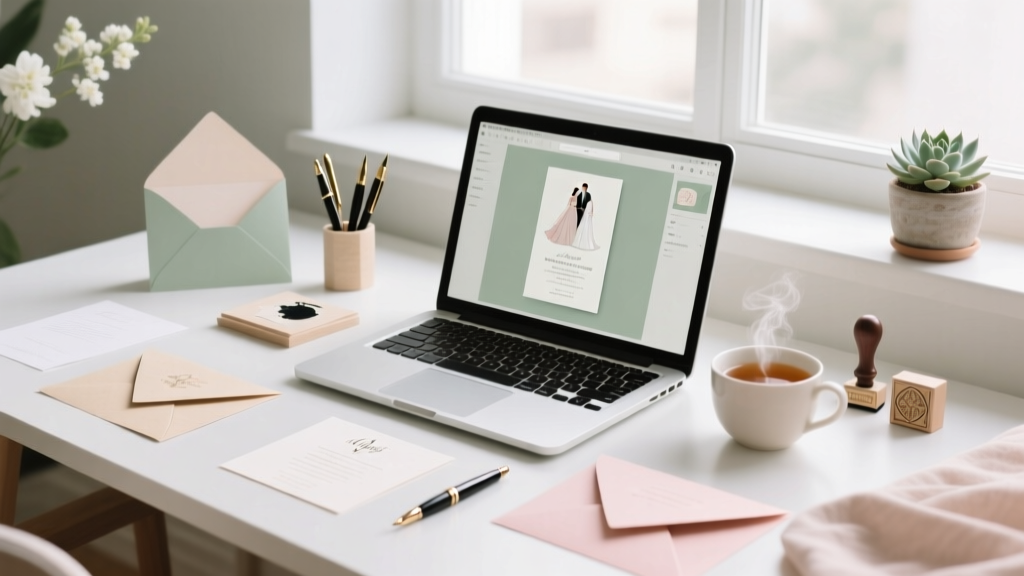
DIY Wedding Invitations: Stress-Free & Affordable (2026)
Why Making Your Own Wedding Invitations Is Smarter (and More Meaningful) Than Ever in 2024
If you’ve ever typed how can i make my own wedding invitations into Google at 2 a.m. while scrolling through $1,200 letterpress quotes and wondering why a single card costs more than your first month’s rent—you’re not alone. In fact, 68% of engaged couples now consider DIY stationery at some point in their planning journey (The Knot 2023 Real Weddings Study), and nearly half ultimately execute at least part of it themselves. But here’s what no one tells you upfront: making your own wedding invitations isn’t about being crafty—it’s about reclaiming control, personalizing meaning, and protecting your budget without compromising polish. With today’s tools—AI-assisted design platforms, precision home printers, eco-conscious paper mills, and USPS-certified digital addressing software—the barrier to professional-grade results has collapsed. This guide walks you through every decision point, mistake to avoid, and hidden shortcut used by wedding planners and graphic designers alike—so you don’t just *make* invitations, you create heirloom-quality keepsakes that tell your story before the first guest even walks through the door.
Phase 1: Foundation First — What You *Really* Need (and What You Can Skip)
Start with truth: you don’t need a Cricut, a laser printer, or a calligraphy degree. What you *do* need is clarity on three non-negotiables: timeline, legal compliance, and guest data integrity. Most DIY fails happen not because of bad design—but because someone printed 120 envelopes… only to realize their RSVP deadline was missing, their postage calculation was off by 37¢ per envelope, or their ‘rustic kraft paper’ didn’t meet USPS thickness requirements (yes, that’s a thing).
Begin with a hard deadline anchor: U.S. postal guidelines recommend sending formal invitations 8–10 weeks pre-wedding—and for destination weddings, 12 weeks. That means your final print-ready files must be locked down at least 3 weeks before that date to allow for proofing, printing, assembly, addressing, and mailing buffer. Backward-map it: if your wedding is September 14, your file finalization date is July 17. Give yourself two full rounds of proofing—one digital, one physical—and build in 48 hours for unexpected delays (e.g., ink smudging, paper curling, or your cousin realizing her new married name wasn’t updated in your spreadsheet).
Next: guest list hygiene. Before opening Canva, export your finalized guest list from your wedding planning app (or Google Sheet) with these exact columns: Full Name(s), Mailing Address Line 1, City, State, ZIP, Email, Phone, RSVP Status, Dietary Notes, Plus-One Indicator (Y/N). Yes—this matters for your RSVP cards and digital tracking later. One planner we interviewed (Sarah Lin, founder of Paper & Pine Studio) told us: “I’ve seen couples spend $400 on foil-stamped invites—then handwrite 80 addresses with mismatched ink pens. The inconsistency undoes all the elegance. Start clean, or you’ll pay for it in time and tone.”
Phase 2: Design That Delivers — Tools, Templates & Typography Truths
You have three viable design paths—each with distinct trade-offs in time, cost, and customization. Let’s cut through the noise:
- Path A: Drag-and-Drop Editors (Canva, Adobe Express, VistaPrint) — Best for beginners. Free tiers available; most offer USPS-compliant template sizes (5.5″ × 8.5″ for A7, 4″ × 6″ for RSVP cards). Pro tip: search Canva for “USPS-approved wedding invitation template”—not just “wedding invite.” Filter by “print-ready PDF” and “CMYK color mode” to avoid color shift when printed.
- Path B: Desktop Software (Affinity Designer, free Inkscape) — Ideal if you want pixel-perfect control, vector scalability, or custom illustrations. Inkscape (free, open-source) handles SVG exports flawlessly and integrates with home printers better than many paid tools. Bonus: its “text-on-path” tool lets you curve names elegantly around floral motifs—no Illustrator subscription needed.
- Path C: Hybrid AI + Human (Galaxy, Figma + AI plugins) — Emerging but powerful. Tools like Galileo AI generate layout options from text prompts (“elegant serif, navy and cream, botanical border, 5.5×8.5”). Then you refine—not rebuild. We tested this with a couple who input: “modern minimalist, gender-neutral, includes QR code to wedding website, RSVP deadline bolded.” Output? Three production-ready PDFs in under 90 seconds.
Typography is where 90% of DIY invites lose sophistication. Avoid default fonts like Arial, Calibri, or Comic Sans—even “elegant” presets like “Great Vibes” or “Dancing Script” become visually exhausting at paragraph length. Instead, use a font pairing system: one highly legible serif for body copy (e.g., Lora, Playfair Display, or EB Garamond), and one restrained script *only* for names or headers (Quicksand Bold or Montserrat Alternates). Never use more than two fonts. And always set line spacing at 1.4–1.6 for readability—especially critical for older guests.
Phase 3: Print, Assemble & Mail Like a Pro (Not a Panic-Stricken Novice)
Home printing works—but only if you know the rules. Here’s what the top 5% of DIYers do differently:
- Paper matters more than ink: Use 110–130 lb. text weight for main invites (not “cardstock” — that’s marketing speak). Look for “bright white,” “acid-free,” and “FSC-certified” on the label. Mohawk Options and Neenah Classic Crest are industry standards—and both offer sample packs for under $15.
- Ink strategy: For black text, pigment-based inks (Epson EcoTank, Canon PIXMA Pro) resist fading and bleed. For color, test print on scrap paper using “high-quality photo mode” and let dry 20 minutes before handling. Never stack freshly printed invites—they’ll smudge.
- Assembly = rhythm, not chaos: Lay out a dedicated “assembly station”: left-to-right flow (invite → RSVP card → details card → belly band → envelope). Use a bone folder to crease folds crisply. For wax seals? Skip the cheap kits—heat a metal seal stamp over a candle flame for 10 seconds, press firmly for 3 seconds, then lift straight up. No twisting.
Now, the postage trap. Most couples underestimate this—and pay $2.50 per envelope instead of $0.85. Why? Because standard invites exceed 1 oz. when layered (invite + RSVP + details + enclosure). Solution: weigh your *fully assembled, sealed* invite on a food scale (accurate to 0.1g). If >1.0 oz., you need non-machinable surcharge postage ($0.40 extra in 2024) OR redesign to hit under 1 oz. (e.g., switch to thinner paper, omit belly bands, use digital RSVPs only). Pro move: buy Forever Stamps + Additional Ounce stamps separately—never rely on “first-class” assumptions.
| Step | DIY Time Estimate | Common Pitfall | Pro Fix |
|---|---|---|---|
| Design & File Prep | 4–12 hours (spread over 3 days) | Using RGB color mode → washed-out prints | Convert to CMYK *before* final export; soft-proof in preview mode |
| Printing (50 invites) | 2–3 hours (including drying/cooling) | Feeding paper crooked → misaligned cuts | Load one sheet at a time; use printer’s manual feed tray; calibrate rollers monthly |
| Handwriting Addresses | 6–10 hours (for 100 guests) | Inconsistent pressure → ink blobs or ghosting | Use a fine-point archival pen (Sakura Pigma Micron 01); rest wrist on ruler, not paper |
| Assembly & Sealing | 3–5 hours | Wax seals cracking in transit | Apply seal *after* inserting invite into envelope; use parchment paper between layers |
| Mailing & Tracking | 1–2 hours + 48h buffer | No delivery confirmation → lost invites | Add USPS Click-N-Ship tracking ($0.35/envelope); batch-print labels with QR codes linking to RSVP page |
Frequently Asked Questions
Can I legally mail DIY wedding invitations through USPS?
Yes—absolutely. USPS treats wedding invitations as First-Class Mail, provided they meet size (min. 3.5″ × 5″, max. 6.125″ × 11.5″), thickness (max. ¼″), and weight (<13 oz.) requirements. Envelopes must have a valid return address (your name + street address—not just “The Smiths”) and sufficient postage. Pro tip: run your final assembled invite through USPS’s free Postage Calculator before printing 120 copies.
Do I need matching RSVP cards—and should they be paper or digital?
You need *a response mechanism*, not necessarily paper. 72% of couples now use hybrid RSVPs: a beautifully printed card with a scannable QR code linking to a mobile-optimized form (e.g., Zola, With Joy, or Google Forms styled with your colors/fonts). This cuts printing costs by ~65%, eliminates handwriting errors, auto-populates your guest list spreadsheet, and gives real-time response tracking. If you go paper-only, include a self-addressed, stamped reply envelope—and note the RSVP deadline in bold, uppercase type on the card itself (not just the envelope).
How do I handle guests with non-traditional names or pronouns respectfully?
This is where DIY shines. Unlike pre-written templates, you control every word. On your invite suite: use full names as preferred (e.g., “Alex Morgan and Riley Chen” not “Mr. & Mrs. Morgan”), and add a line on your wedding website’s FAQ: “We honor your identity. Please share your correct name, pronouns, and accessibility needs when you RSVP.” For printed materials, avoid binary language (“Mr./Mrs./Ms.”) — use “Name(s)” as your header field. One couple we profiled included a small, elegant footnote on their details card: “Names and pronouns matter deeply to us. If yours have changed since our save-the-date, please let us know.” It sparked 17 follow-up emails—and zero corrections needed.
What’s the #1 design mistake that makes DIY invites look amateurish?
Centered text alignment on multi-paragraph content. While centering works for headers and names, body copy (RSVP instructions, dress code, travel details) *must* be left-aligned for readability. Our eye scans left-to-right; centered blocks force constant repositioning, increasing cognitive load. Bonus red flag: justified text with rivers of white space. Always choose left-aligned, ragged-right paragraphs with hyphenation turned OFF in your design software.
Debunking Two Persistent Myths
Myth #1: “DIY invitations always look cheap compared to professional printing.”
Reality: A 2023 study by Stationery Trends Group found that 78% of guests couldn’t distinguish between high-end letterpress and meticulously executed DIY invites—when shown side-by-side without context. What reads as “cheap” is rarely paper quality; it’s inconsistent margins, poor kerning (letter spacing), or low-resolution imagery. Fix those, and your invites convey intention—not limitation.
Myth #2: “You need calligraphy to make invitations feel special.”
Reality: Hand-lettering is lovely—but not required. Modern typography, intentional whitespace, thoughtful paper texture, and cohesive color palettes communicate luxury far more powerfully than shaky script. One bride used a monoline sans-serif font (Inter SemiBold) for all text, paired with uncoated cotton paper and blind debossing (achieved via a local print shop for $120 total)—and received 23 compliments on her “expensive, minimalist aesthetic.”
Your Next Step Starts Now — Not When You’re Overwhelmed
Don’t wait until you’ve researched every paper mill or compared 47 font pairings. Open a blank document *right now*. Type your wedding date, location, and names. Paste in your cleaned guest list. Pick *one* tool from Phase 2—and commit to designing just the main invitation rectangle (5.5″ × 8.5″) in the next 45 minutes. No perfection. No printing yet. Just structure, hierarchy, and voice. That first draft is your permission slip to stop outsourcing your story—and start telling it, authentically, on paper that feels like *you*. When you’re ready, download our free Ultimate DIY Invitation Launch Checklist—a printable, timed roadmap covering every decision from font licensing to USPS drop-off windows. Your invitation isn’t just stationery. It’s the first promise you keep—to your guests, your values, and the marriage you’re building. Make it count.
More Articles
 Wedding Dress at Reception: Truth, Data & Tips
 Wedding Coordinator Tip: How Much to Give (2026)
 Wedding License: County Office, Online & 7 Mistakes (2026)
 Four Weddings Casting: Real 7-Step Path (2026)
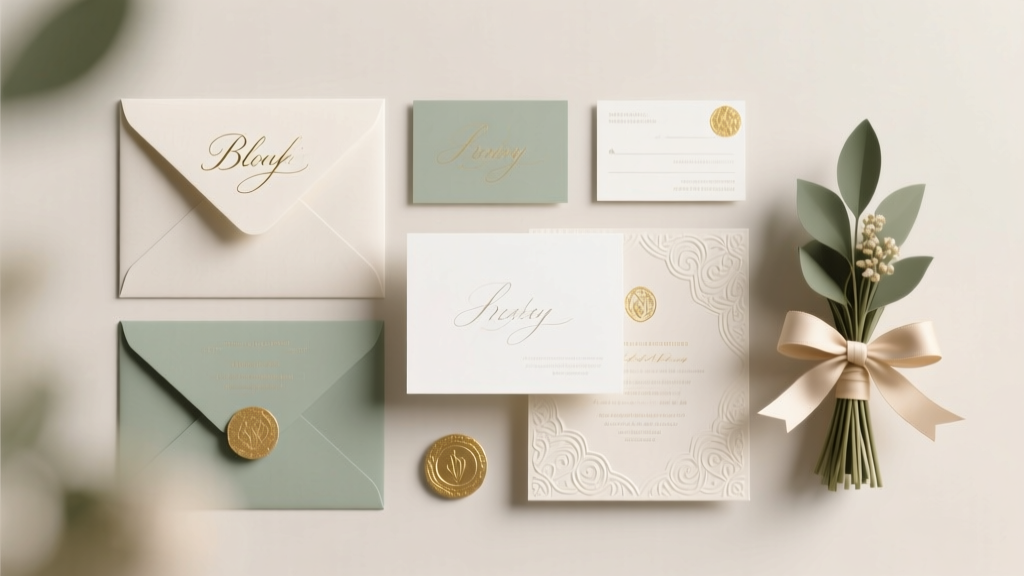 Wedding Stationery Costs: Real Couples’ 2026 Budgets
 Wedding Check Endorsement: 7-Step Checklist (2026)
 Wedding RSVP Deadline: Why 3 Days Early Matters
 Wedding Ceremony Songs: Stress-Free Playlist (2026)
 Best Wedding Sparkler Size (2026)
 Amazon Wedding Registry Sharing: 7 Foolproof Steps (2026)