## Stop Losing Cash Gifts: Set Up Venmo for Your Wedding Today
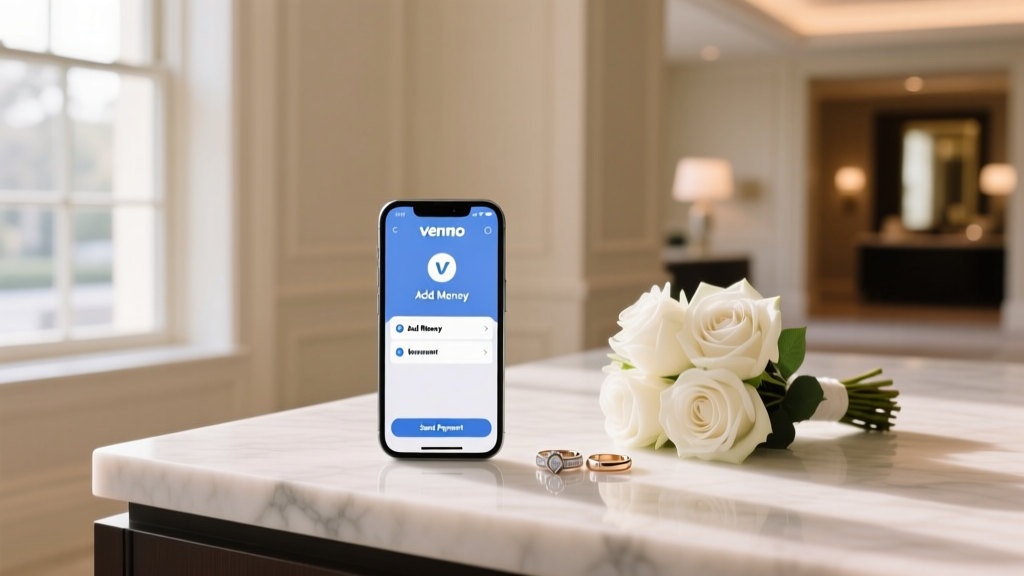
Cash gifts are back — but envelopes get lost, checks bounce, and Grandma's $200 disappears into the chaos of your reception. Venmo has become the go-to digital wallet for modern couples, and setting it up correctly before your big day can save you hundreds of dollars and hours of stress. Here's exactly how to do it.
---
## 1. Create or Optimize Your Venmo Account Before the Invitations Go Out
If you don't already have Venmo, download the app and sign up with your personal email. If you do have an account, audit it first:
- **Set your profile to public** (temporarily) so guests can find you by name or phone number.
- **Use a recognizable display name** — your real name or "[Name] & [Name] Wedding Fund" so guests aren't confused.
- **Add a profile photo** of you as a couple. This reduces the chance guests send money to the wrong person.
- **Link a bank account**, not just a debit card, to avoid transfer fees when moving funds.
> **Pro tip:** Create a dedicated Venmo account just for wedding funds if you want to keep gift tracking separate from everyday spending.
---
## 2. Set Up a Venmo Wedding Fund or Honeymoon Fund
Venmo doesn't have a native "registry" feature, but you can simulate one effectively:
**Option A — Personal Account with a Clear Bio**
Update your Venmo bio to say: *"Wedding gift fund — [Your Names], [Wedding Date]. Thank you!"* This signals intent and builds trust.
**Option B — Link Venmo to a Honeymoon Registry**
Platforms like Honeyfund and Zola allow you to embed a Venmo QR code or link directly in your registry. Guests click, land on Venmo, and send funds in seconds.
**Option C — Venmo Business Profile**
For larger weddings (100+ guests), consider a free Venmo business profile. It offers a cleaner public-facing page and better transaction organization — though note that business accounts have a 1.9% + $0.10 fee on payments received.
---
## 3. Share Your Venmo Details the Right Way
The biggest mistake couples make: burying their Venmo handle in fine print. Make it impossible to miss:
- **Print your Venmo QR code** on a small card insert inside invitations.
- **Add it to your wedding website** under a "Cash Gifts" or "Honeymoon Fund" section.
- **Display a framed QR code** at the gift table or bar during the reception.
- **Include it in your email signature** during the planning period.
Your Venmo QR code lives in the app under *Me → QR Code*. Screenshot it, save it, and use it everywhere.
---
## 4. Manage and Transfer Funds Safely
Once gifts start rolling in:
- **Transfer to your bank regularly** — don't let large balances sit in Venmo, which is not FDIC-insured beyond certain limits.
- **Standard transfers are free** (1–3 business days). Instant transfers cost 1.75% (min $0.25, max $25).
- **Send thank-you notes** using Venmo's transaction history as your checklist — every payment is timestamped and labeled.
- **Set a memo convention** — ask guests to write "[Their Name] — Wedding Gift" in the note field so you can track who gave what.
---
## Common Myths About Using Venmo for Weddings
**Myth 1: "Asking for Venmo gifts is tacky."**
Not anymore. A 2024 survey by The Knot found that 61% of couples now include a digital payment option in their registry. Guests under 50 overwhelmingly prefer it over writing checks. The key is framing — present it as a *convenience for guests*, not a demand.
**Myth 2: "Venmo charges fees on personal payments."**
Venmo does **not** charge fees when guests send money from their Venmo balance or linked bank account. Fees only apply when guests pay with a credit card (3%) or when you use a business account. For most weddings, the cost is zero.
---
## Your Next Step
Setting up Venmo for your wedding takes less than 15 minutes and can streamline hundreds of transactions. Here's your action plan:
1. Update your Venmo profile today with your names and a wedding photo.
2. Download your QR code and add it to your wedding website.
3. Set up a bank transfer schedule so funds move automatically.
The sooner you set this up, the more gifts you'll capture — even from guests who RSVP early and want to send something right away. Open Venmo now and make it official.
 Wedding Invites to Billionaires: What Actually Happens
 Catholic Wedding Communion: What Guests & Couples Must Know
 Wedding Dress Piano Tutorial: Play in 20 Minutes (2026)
 Wedding Dress Regret: Why 68% of Brides Feel It (2026)
 Wedding Crashers Streaming in 2026: Where to Watch Now
 How to Get Wedding Dress in Stardew Valley (2026)
 Ancient Greek Wedding Rings: The Surprising Truth (2026)
 Wedding Ring on Right Hand: Truth, Rights & Identity
 Why Katie LaSalle Isn’t Wearing Her Wedding Ring (2026)
 Engagement vs Wedding Ring: One Ring in 2026?