## You Don't Need a DJ to Have an Incredible Wedding Reception
The average DJ costs $1,200–$2,500. For many couples, that's a honeymoon flight or a month's rent. The good news: doing your own music at your wedding is not only possible — thousands of couples do it every year with stunning results. All it takes is the right playlist, the right gear, and a solid plan.
---
## 1. Build Your Wedding Playlist Like a Pro
The playlist is everything. A well-structured wedding music timeline typically covers five phases:
- **Ceremony (30–45 min):** Prelude music as guests arrive, processional, signing music, recessional. Choose 8–12 instrumental or acoustic tracks. Popular picks: classical strings, acoustic covers, lo-fi jazz.
- **Cocktail Hour (60 min):** Upbeat but relaxed. Jazz, bossa nova, indie folk. Aim for 15–20 tracks.
- **Dinner (90 min):** Conversational background music. Avoid anything too loud or distracting. Soft pop, soul, or acoustic sets work well.
- **Dancing (2–3 hours):** This is your main event. Start with crowd-pleasers, build energy, drop your peak-hour bangers around 9–10 PM, then wind down.
- **Last Dance / Send-Off:** One or two meaningful closing songs.
**Actionable tip:** Use Spotify's BPM sorting or a tool like Soundiiz to sequence tracks by tempo. Start dinner at ~80 BPM and peak dancing at ~128–135 BPM.
Aim for 5–6 hours of total music — always have more than you need.
---
## 2. Choose the Right Gear (Without Overspending)
You don't need a professional sound system, but you do need something better than a Bluetooth speaker.
**Recommended setup for up to 150 guests:**
| Item | Budget Option | Mid-Range Option |
|---|---|---|
| PA Speaker | QSC K12.2 (rent ~$75/day) | Electro-Voice ZLX-15BT |
| Laptop/Tablet | Your own device | Dedicated playlist device |
| Audio Interface | Focusrite Scarlett Solo (~$120) | Same |
| Microphone (for toasts) | Shure SM58 (~$99) | Same |
**Renting is smarter than buying** for a one-time event. Most local music stores and AV rental shops offer weekend packages for $150–$300 that include speakers, stands, cables, and a mic.
For outdoor weddings, add a second speaker for coverage and check with your venue about power outlet locations in advance.
---
## 3. Set Up a Foolproof Playback System
The biggest risk with DIY wedding music isn't the playlist — it's technical failure at the wrong moment. Eliminate that risk:
1. **Use a dedicated device.** Don't run your playlist from your personal phone. Use a tablet or laptop set to airplane mode (to block calls and notifications) with the playlist downloaded offline.
2. **Designate a music person.** Assign one trusted friend or family member as your "music coordinator" — someone who knows the timeline, can fade tracks, and can handle the mic for toasts. Give them a printed cue sheet.
3. **Pre-fade your transitions.** Apps like DJ.Studio, Mixonset, or even GarageBand let you pre-mix transitions so there are no awkward silences between songs.
4. **Test everything the day before.** Run through the full setup at the venue during your rehearsal or setup window. Check volume levels in the actual room.
5. **Have a backup.** Keep a second device with the full playlist loaded. Bring an extra aux cable and a Bluetooth adapter.
---
## 4. Handle the MC Moments Without a DJ
A DJ doesn't just play music — they also announce the first dance, cake cutting, and bouquet toss. You can handle this two ways:
- **Ask a charismatic friend or family member** to serve as informal MC. Give them a script with exact wording and timing cues.
- **Use pre-recorded announcements.** Record yourself or a friend saying "Please welcome the newlyweds to the dance floor for their first dance" and drop it into the playlist at the right moment.
Keep announcements short. Guests want to celebrate, not listen to long introductions.
---
## Common Myths About DIY Wedding Music
**Myth 1: "Guests will notice it's not a real DJ."**
Guests notice *bad* music and *awkward silences* — not whether a human is behind the decks. A well-curated playlist with smooth transitions is indistinguishable from a DJ set for most guests. What people remember is the song selection and the energy, not the source.
**Myth 2: "You need expensive software or DJ skills."**
You don't need to beatmatch or scratch records. Spotify, Apple Music, or YouTube Music playlists work perfectly for ceremony and dinner. For dancing, free tools like DJ.Studio or the browser-based Mixxx let you pre-arrange crossfades with zero DJ experience required.
---
## Your Next Step
Doing your own music at your wedding is one of the highest-ROI decisions you can make — saving $1,000–$3,000 while keeping full creative control over the soundtrack of your day.
**Start here:** Open a spreadsheet and map out your five music phases with approximate durations. Then spend one evening building each playlist. That single session is 80% of the work done.
The rest is just gear, a backup plan, and one trusted friend with a cue sheet.
 Glass Smashed at Jewish Wedding: What It Really Symbolizes
 Is Red Bad Luck at a Wedding? Global Truths (2026)
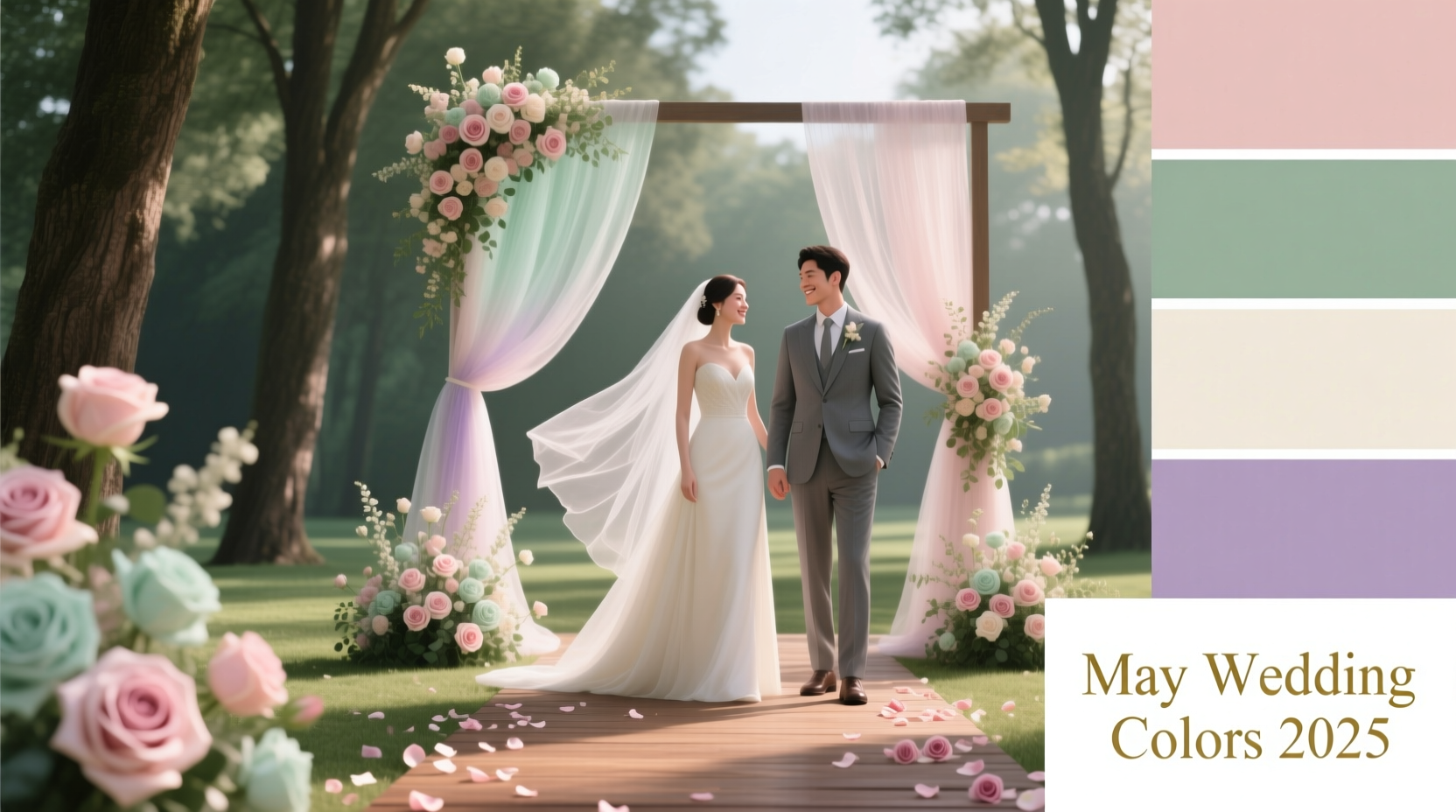 Best May Wedding Colors 2026: Peach, Mint & Lavender
 Mazel Tov for Weddings: When & How to Say It Right
 Wedding Ring Hand for Men: Country, Religion & 2026 Guide
 Do You Tip For Wedding Dress Alterations (2026)
 Do Love Is Blind Couples Pay for Their Weddings?
 Was Wed? 7 Free Ways to Verify Marriage Date & Location
 A Wedding Story Season 3: TLC Confirms 2026 Return
 Wedding Shoes Superstition: Groom Seeing Them in 2026