# How to Change Your Sim's Wedding Dress in Sims 4: 5 Methods That Actually Work
You've planned the perfect Sims 4 wedding, but your Sim is stuck in the wrong dress — or worse, a random outfit the game auto-assigned. It's one of the most frustrating moments in the game, especially mid-ceremony. The good news: there are multiple ways to fix it, whether you're before the big day or already at the altar.
---
## Method 1: Change the Wedding Dress Before the Ceremony via CAS
The easiest time to change a wedding dress is before the event starts.
1. Click on your Sim and select **Plan Outfit** (requires a dresser or mirror).
2. Navigate to the **Formal** or **Party** outfit category — wedding attire is typically saved here.
3. Browse the dress catalog or use custom content (CC) you've installed.
4. Save the outfit.
**Tip:** If you own the *My Wedding Stories* game pack, you get dedicated bridal outfit slots. Use the **Wedding Arch** interaction to trigger outfit selection before the ceremony begins.
---
## Method 2: Use the CAS Cheat Mid-Game
If your Sim is already dressed and you want to change it on the fly:
1. Open the cheat console: **Ctrl + Shift + C** (PC) or **LT + RT + LB + RB** (console).
2. Type `testingcheats true` and press Enter.
3. Type `cas.fulleditmode` and press Enter.
4. Shift-click your Sim and select **Modify in CAS**.
5. Change the dress freely, including locked outfit categories.
This method works at any point — before, during, or after the ceremony.
---
## Method 3: My Wedding Stories Pack — Bridal Outfit Feature
If you have the *My Wedding Stories* pack (2022), the game includes a dedicated bridal outfit system:
- Interact with the **Wedding Arch** and choose **Plan Wedding Outfits**.
- Assign specific outfits to the ceremony, reception, and after-party phases.
- Both partners can have separate outfit changes built into the event flow.
**Data point:** Players using this pack report significantly fewer outfit glitches during ceremonies compared to base-game weddings, since the system locks outfits per event phase.
---
## Method 4: Change Outfit During the Event
If the ceremony is already underway:
1. Pause the game.
2. Use `cas.fulleditmode` cheat (see Method 2).
3. Shift-click the Sim → **Modify in CAS**.
4. Make your changes and return to the game.
Alternatively, some **mods** like *MC Command Center (MCCC)* let you change outfits mid-event without entering full CAS.
---
## Common Mistakes (And the Truth)
**Myth 1: "You can only change wedding outfits before the event starts."**
Not true. The `cas.fulleditmode` cheat lets you edit outfits at any point in the game, including mid-ceremony. You don't need to restart the event.
**Myth 2: "Changing the Formal outfit slot will automatically update the wedding dress."**
This depends on your game version and packs. In base game, Sims may auto-select an outfit from Formal or Party categories. With *My Wedding Stories*, outfits are assigned per event phase and won't update just from editing the Formal slot — you need to use the Wedding Arch interaction specifically.
---
## Conclusion
Changing a wedding dress in Sims 4 is straightforward once you know which method fits your situation. For pre-ceremony changes, use CAS via a mirror. For mid-game fixes, `cas.fulleditmode` is your best friend. And if you own *My Wedding Stories*, take full advantage of the built-in bridal outfit planner.
**Ready to plan the perfect Sims 4 wedding?** Explore bridal CC packs on sites like The Sims Resource or ModTheSims to find dresses that make your ceremony truly unique.
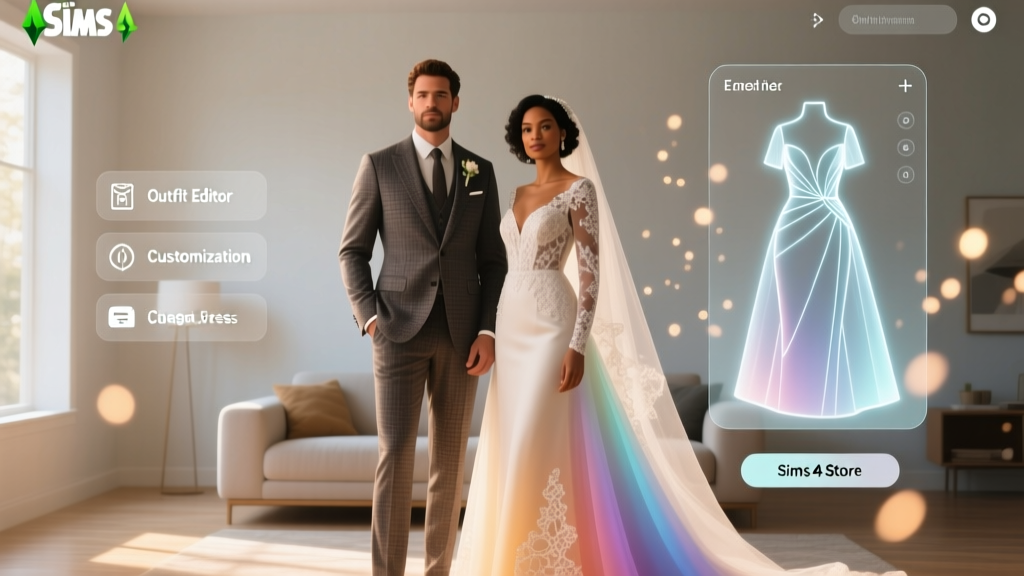
 Can Women Wear White Pants to a Wedding? (2026)
 Pagan Wedding Legality: Licenses, Officiants & 2026 Rules
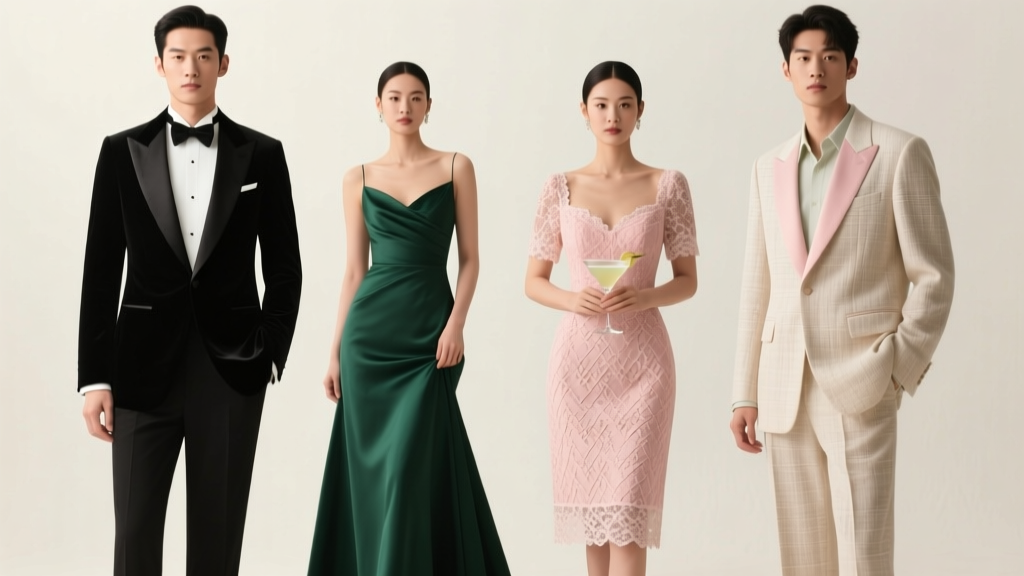 Wedding Dress Codes Decoded: 2026 Guide
 Livestream Wedding on Zoom: 7-Step Setup (2026)
 Bustle on Wedding Dress: How to Get It Right (2026)
 How Much to Put in Wedding Envelope (2026)
 Wedding Veil: Your Choice in 2026—What to Consider
 Wedding Floral Guest List: Who Actually Gets Flowers
 Wedding Venue Email That Gets Replied (2026)
 How to Write Wedding Message That Moves People (2026)